HDD vs. SATA SSD vs. NVMe SSD
HDD describes a magnetic storage technology; SATA and NVMe describe interfaces/protocol stacks commonly used by SSDs. For recovery, the useful comparison is therefore HDD versus flash-based SSD, with SATA and NVMe affecting how the device is accessed and what commands are available.
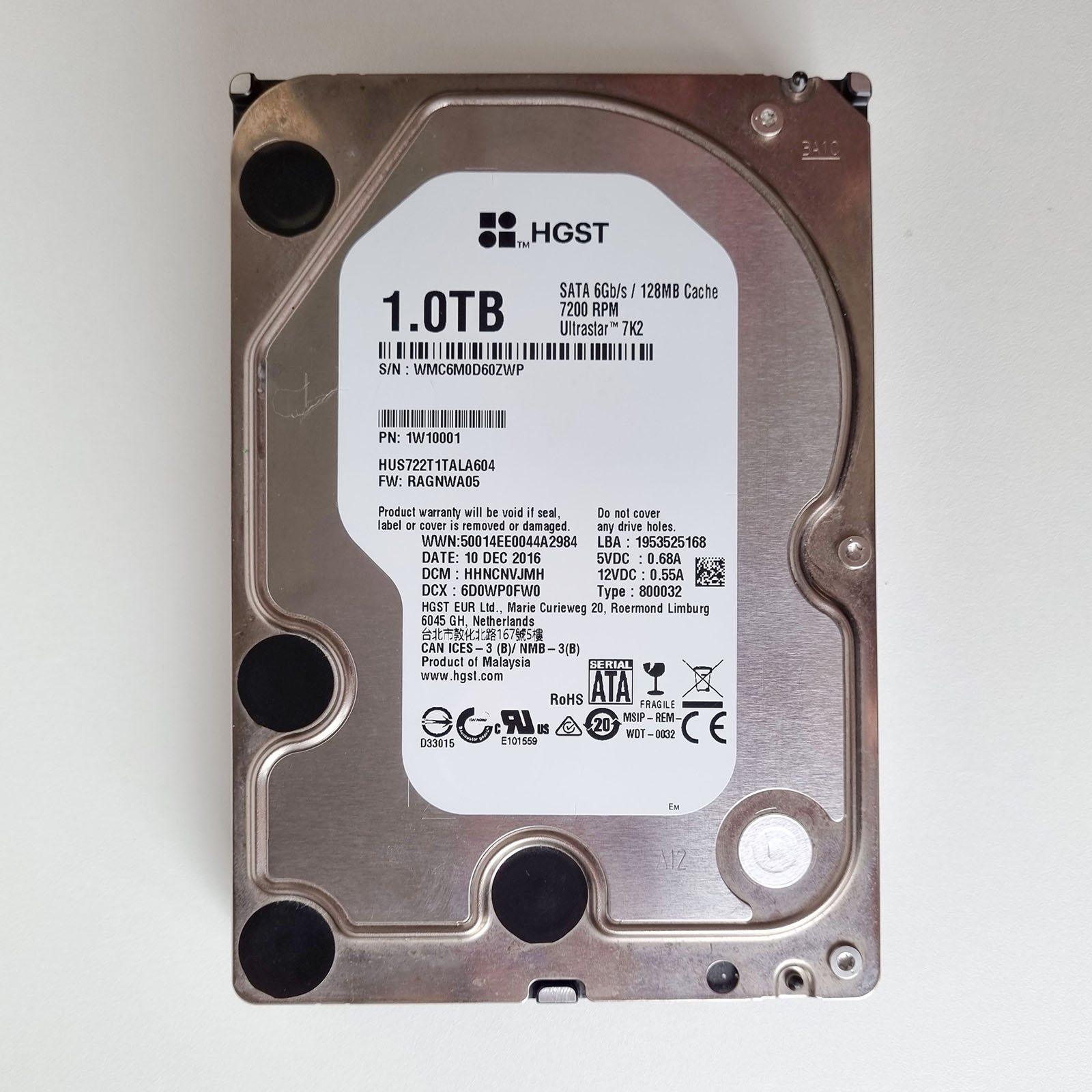
Hard disk drives (HDD)
A conventional hard drive stores data magnetically on spinning platters, read by a head that floats a few nanometers above the surface. That mechanical design is exactly why Mechanical Hard Drive Failure is its own article in this catalog — heads, spindle motors, and platters can fail physically, independent of anything that happened to the data itself. The upside of that same design: when an HDD fails, the magnetic data on the platters is very often still completely intact underneath the mechanical problem. That's why professional labs can frequently recover a clicking or non-spinning drive at close to 100% — the fix is mechanical, not a data-recovery problem in the usual sense.
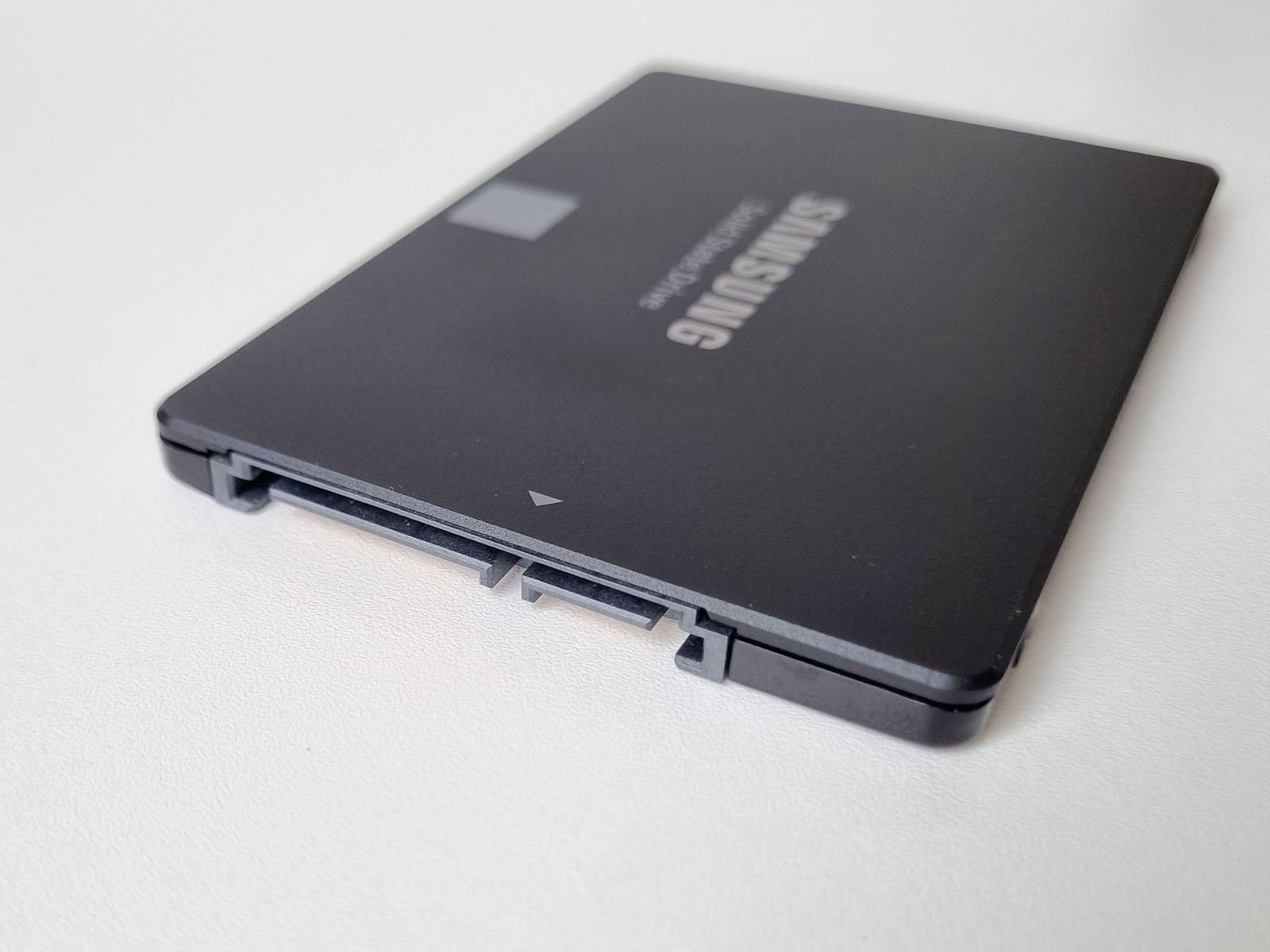
SATA SSDs
A SATA SSD has no moving parts, but that doesn't make it simpler to recover — it makes it different. A controller chip maintains a constantly shifting map between where the operating system thinks data lives and which physical flash cell it's actually in, and spreads writes around through wear leveling. Deleted-file recovery is often harder on an SSD than an HDD for a mundane reason unrelated to failure: TRIM, a background command that proactively erases freed space to keep write speeds up, can destroy deleted data within seconds on a healthy SSD. When the drive itself fails — SSD Controller Failure covers this — recovery depends entirely on understanding that specific controller's proprietary translation scheme, which varies by manufacturer and sometimes by model.
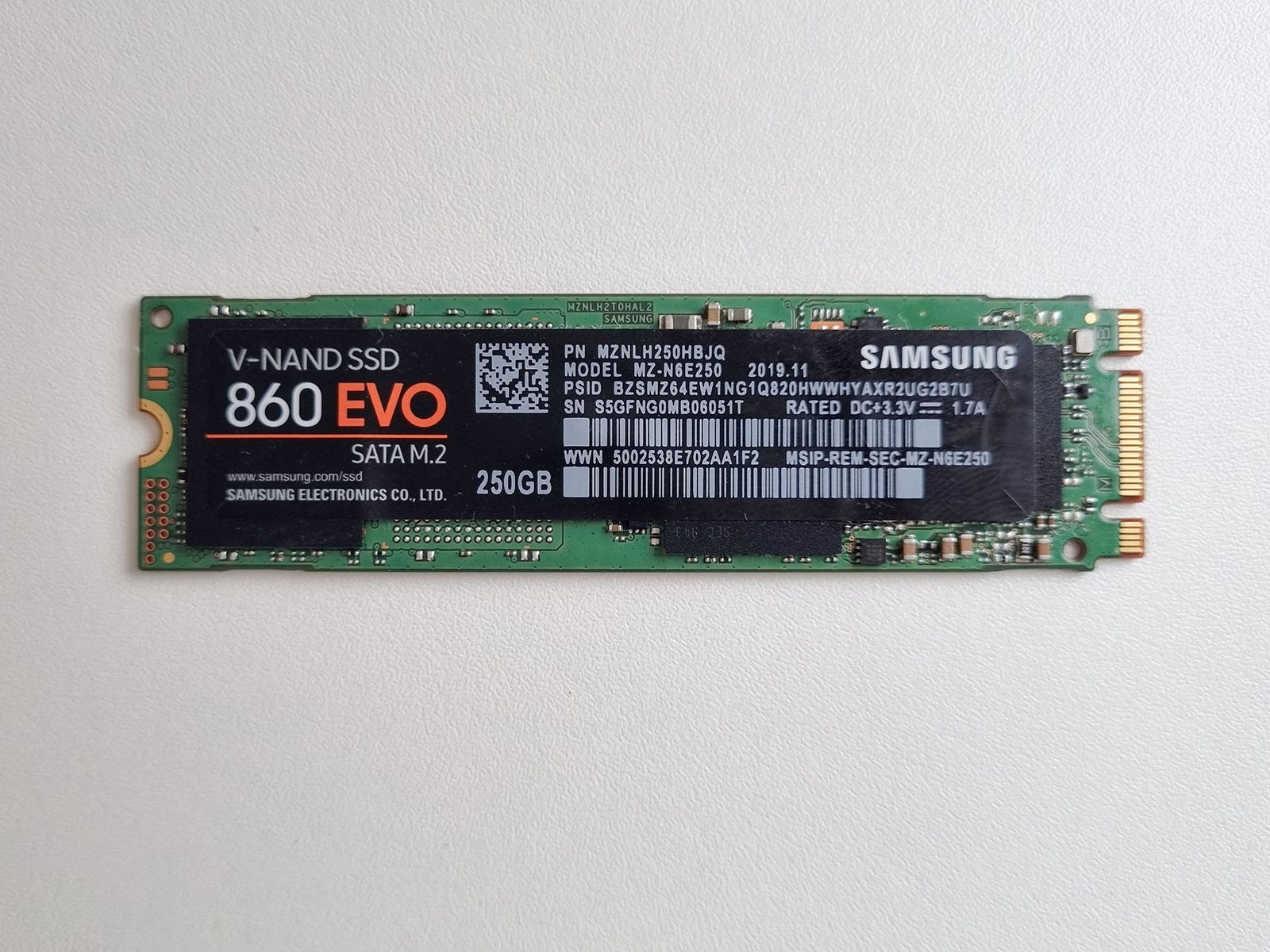
NVMe SSDs
NVMe describes the connection protocol, not the memory technology — an NVMe drive is still flash storage, so almost everything above about SSDs applies equally. What changes is the physical connection: NVMe drives are typically small M.2 sticks that plug directly into a motherboard slot or a PCIe interface, with no SATA cable at all. That has one practical consequence worth knowing before it becomes a problem: pulling data off a dead system's NVMe drive requires either a compatible M.2 slot on another machine or a dedicated NVMe-to-USB enclosure (covered on the USB/SATA & NVMe adapters page) — a standard SATA-to-USB cable, the kind that works for almost any older drive, does nothing for one of these.
No interface or media type is universally “more recoverable.” HDDs introduce mechanical failure modes; SSDs add controller-managed flash translation, garbage collection, ECC and often encryption. After deletion on an SSD, TRIM/deallocation can make old logical blocks stop returning their previous contents, but propagation and later physical erasure depend on the operating system, file system, interface path, controller and workload.
For the flash-management layer behind SSD recovery, see SSD Recovery: TRIM, FTL, Garbage Collection and Encryption; for unstable hardware, see When Software Recovery Is No Longer Appropriate.
This page describes the general situation, not a guaranteed fix for your specific case. If you'd rather have someone experienced take a look before you try anything, see what a hands-on evaluation looks like.