Memory Card Care & Picks
Corrupted or Deleted Video from a Memory Card is a scenario this catalog covers in detail. This page deals with the two parts an owner controls: how a card is handled in the field, and whether the card is genuine and suited to the recording it is used for. Neither guarantees that a card will not fail.
Handling that actually matters
Never remove a card while the camera is writing to it or its access light is on. An interrupted write is one way to get the "recording exists but won't play" failure described in the video-recovery article and in Corrupted Video File (MP4/MOV Won't Play), where a file's index never finishes being written.
Format a card only when it is new, or after everything needed from it has been copied off and checked, and do it in the camera that will use it, following the camera's manual; cameras often expect a specific filesystem structure that a generic computer format doesn't always recreate. If a card has lost data, or a camera or computer is asking to format it, do not format it: see Memory Card Not Recognized or Asks to Be Formatted.
Treat a full card as a reason to offload and back up. Deleting individual files in-camera to make room does not exceed the card's capacity, but it changes how free space is allocated: new recordings can be written into the gaps and end up fragmented, which can make later recovery harder. See Recovering Fragmented Video from Memory Cards.
Why the card itself matters
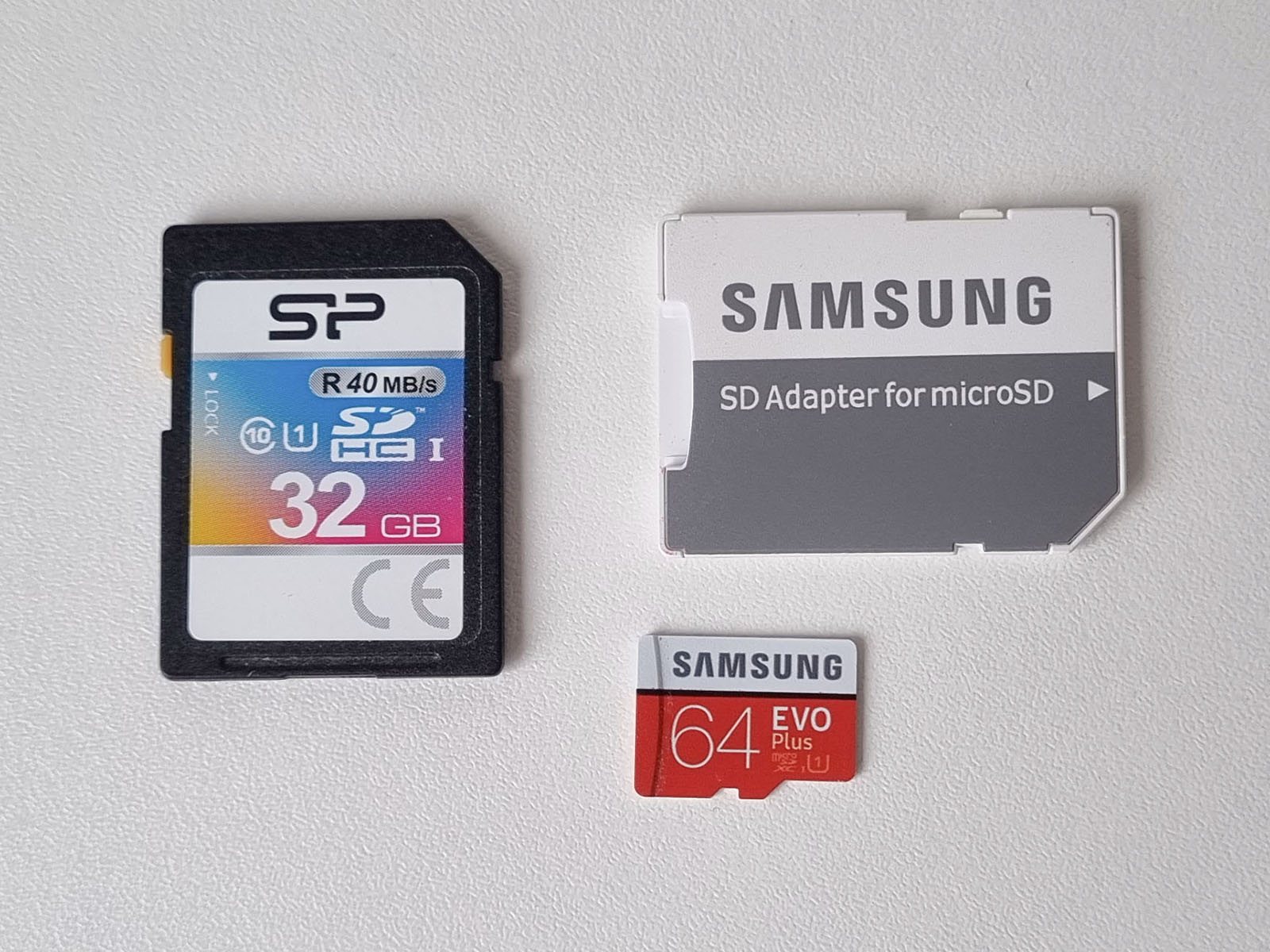
Counterfeit cards are a well-documented problem. A card can report a larger capacity than the flash memory it contains; once more data is written than it can really hold, later writes can replace earlier data, which looks like ordinary corruption from the outside. That is a separate question from price, and Counterfeit Flash Capacity and Recovery Limits explains how it shows up and why capacity tests belong only on new or already-recovered cards. Buying an established brand from an authorized retailer reduces the risk of a counterfeit; it does not eliminate it.
Genuine cards also differ in endurance and rated write performance. For video, choose by the sustained write rating rather than peak MB/s figures: the SD Association's speed class standards define minimum sequential performance for streaming content such as video, and the class a camera needs depends on its recording mode, bitrate and codec, as listed in the camera's manual.
SanDisk Extreme PRO SDXC (128GB, UHS-I)
Everyday choiceA practical mainstream card from an established brand for cameras that don't specifically require UHS-II, and easy to keep a spare of. It is rated V30; whether that is enough depends on the camera's recording mode; the camera manual lists the class it requires.
- SpeedUp to 200MB/s read, 90MB/s write
- RatingUHS-I, V30, U3, Class 10
Sony TOUGH SF-G (128GB, UHS-II)
Demanding useBuilt for the cases where the card itself, not just the data on it, needs to survive something — a one-piece molded shell with no write-protect switch to snap off, rated for drops, water immersion, dust, and temperature extremes. The UHS-II speed also matters for high-bitrate video and burst photography that would bottleneck on a UHS-I card. This is a different durability and performance class intended for a different use case, not merely a premium badge.
- SpeedUp to 300MB/s read, 299MB/s write
- RatingUHS-II, V90, U3, Class 10
- DurabilityDrop, water immersion, dust, X-ray, and temperature resistant per Sony's spec
For the recovery side of a corrupted or unreadable card, see File Carving, Explained and the full directory of recovery software by vendor.
This page describes the general situation, not a guaranteed fix for your specific case. If you'd rather have someone experienced take a look before you try anything, find a recovery provider by region.